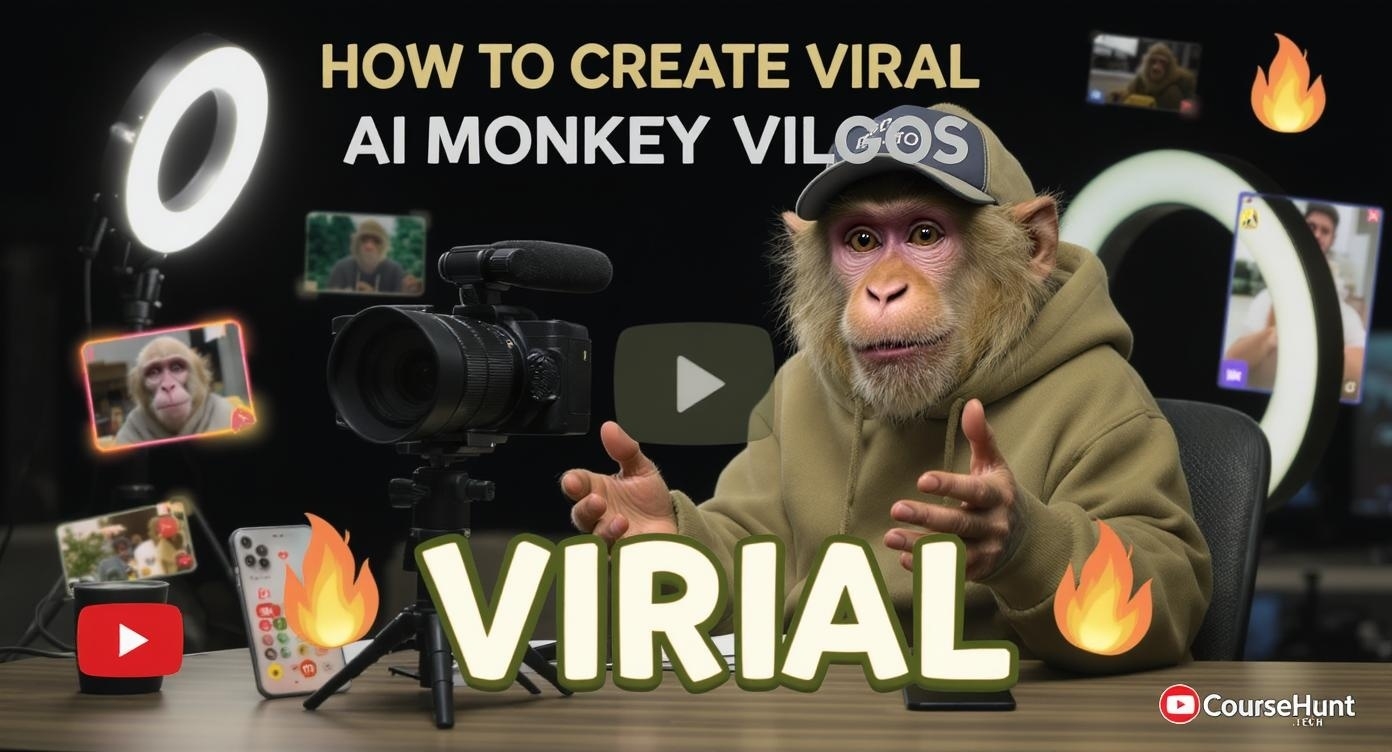
How to Create Viral AI Monkey Vlog Videos Using Google Veo 3 for FREE
Complete step-by-step guide to join the viral AI monkey trend that's exploding on Instagram, YouTube & TikTok - with proven FREE access methods that actually work!
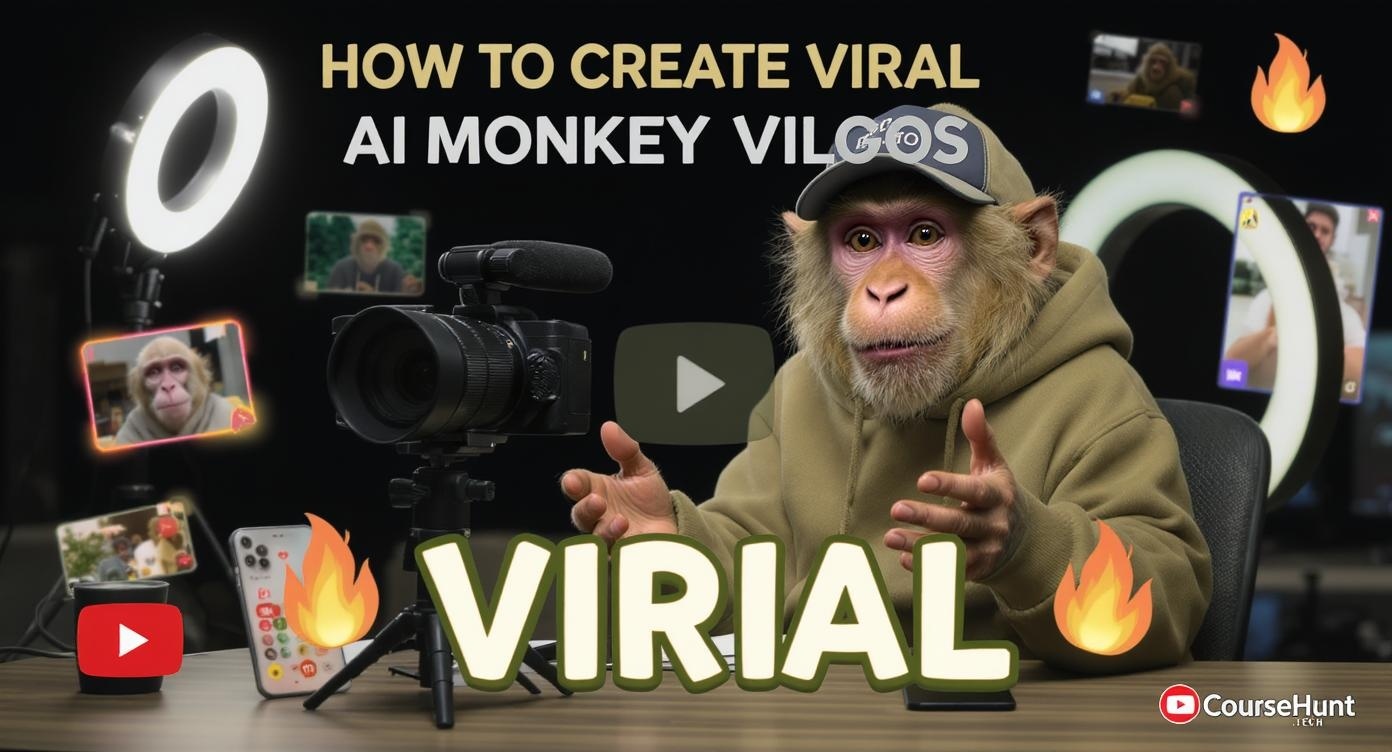
What's the AI Monkey Vlog Trend?
The AI monkey vlog trend involves creating realistic monkey content creators that act like real YouTubers and influencers. These aren't just random monkey videos - they're sophisticated AI-generated vlogs featuring monkeys:
- Visiting temples like Kedarnath and giving travel reviews
- Doing photography sessions and tech reviews
- Roasting other content creators and giving commentary
- Acting like professional YouTubers with complete setups
Real Example Results:
Instagram page with just 13 monkey vlog posts gained 200K+ followers with videos getting 10-98 million views each!
Why It's Viral:
The combination of realistic AI, relatable content, and the novelty of animal vloggers creates instant engagement and shareability.
FREE Access Methods to Google Veo 3
Important: The Truth About "Free" Methods
Most YouTube tutorials claiming "100% free" access are misleading. Here's what actually works in 2025, with honest limitations:
Student Discount
- Full Veo 3 access with audio
- 90 generations per month
- Requires .edu email verification
- May need VPN for some regions
Google Cloud Credits
- Access via Vertex AI platform
- High generation limits
- Requires credit card verification
- More technical setup required
Free Alternatives
- ChatGPT + DreamFace combination
- Truly free with no cards needed
- Only face movement/lip-sync
- No body movement or scene changes
Method 1: Student Discount (15 Months FREE)
What You'll Need
- Student email (.edu domain) or temporary edu email
- VPN (if not in supported region)
- Basic student information for verification
Get Student Email
Visit a temporary edu email service or use your real student email if available.
Recommended: tempemail.id for temporary .edu emails
Access Student Promo Page
Navigate to Google's AI Premium Student offer page.
Link: one.google.com/u/0/explore-plan/ai-premium-student
Complete Verification
Sign up using your student email and complete the verification process.
Note: If the offer doesn't appear, try using a VPN set to USA location.
Access Google Flow
Once verified, access Google Flow (the new video generation interface) and switch from Veo 2 to Veo 3 in settings.
Success! You now have 15 months of free access to Veo 3 with audio generation.
What You Get FREE
Important Limitations
- 8-second maximum video length
- 15-month time limit on free access
- Must maintain student status verification
- Some verification methods may require card details
Creating Your Viral Monkey Vlog
Step 1: Generate Base Image
Tool: ChatGPT (Free)
"Create an image of a monkey vlogger sitting at a desk with a camera setup, visiting Kedarnath temple"
- • Use voice input for faster prompting
- • Be specific about the scenario
- • Include vlogger elements (camera, setup)
- • Save generated image to gallery
Step 2: Generate Video
Tool: Google Veo 3
Upload image → Switch to Veo 3 → Add script → Generate
- • Upload your ChatGPT image
- • Switch model from Veo 2 to Veo 3
- • Record or type your script
- • Generate (100 credits per video)
Step 3: Optimize & Share
Tools: CapCut, VN Editor
- • Download in highest quality
- • Add background music (trending sounds)
- • Resize for platform (9:16 for Reels)
- • Add captions/subtitles
- • Use trending hashtags
Viral Content Ideas
- Monkey visiting temples (Kedarnath, Vaishno Devi)
- Tech reviews and unboxing videos
- Roasting popular YouTubers/content
- Travel vlogs to popular destinations
- Food reviews and cooking experiments
YouTube Monetization Warning
Based on creator experiences:
- AI-generated content may get "Reused Content" strikes
- Monetization approval is uncertain
- Instagram Reels monetization works better
- Great for building followers and brand promotion
Free Alternatives to Google Veo 3
RunwayML Gen-3
- High-quality output
- Good for image-to-video
- Very limited free tier
Pika Labs
- Discord-based interface
- Decent quality for free
- No audio generation
Leonardo AI
- Good for image generation
- Motion feature available
- Limited video capabilities
Honest Comparison: Free vs Paid Reality
| Feature | Free Methods | Google Veo 3 (Paid) |
|---|---|---|
| Video Quality | Good (720p) | Excellent (1080p+) |
| Audio Generation | ❌ Not available | ✅ Included |
| Video Length | 3-4 seconds | 8 seconds |
| Monthly Generations | 5-30 videos | 90+ videos |
| Character Consistency | ❌ Limited | ✅ Advanced |
| Commercial Use | ❓ Varies by platform | ✅ Allowed |
Master AI Video Creation with CourseHunt.tech
🎓 Why Learn AI Video Creation in 2025?
-
Explosive Growth: AI video market expected to reach $1.1B by 2025
-
High Earning Potential: AI video creators earning $50-500 per project
-
Early Adopter Advantage: Get ahead before the market saturates
-
Multiple Niches: Content creation, marketing, education, entertainment
AI Video Generation Fundamentals
Master the basics of text-to-video AI tools, prompt engineering, and content planning.
- • Understanding AI video models
- • Effective prompt writing
- • Quality optimization techniques
- • Platform comparison guide
Viral Content Creation with AI
Learn how to create engaging, viral-worthy content using AI tools and trending strategies.
- • Trend analysis and timing
- • Character development for AI
- • Storytelling techniques
- • Social media optimization
Monetizing AI Video Content
Discover proven strategies to turn your AI video skills into a profitable business.
- • Client acquisition strategies
- • Pricing and packages
- • Portfolio development
- • Scaling your business
Join 50,000+ students learning AI skills for free
Pro Tips for Viral Success
Viral Hashtag Strategy
Instagram/Reels:
YouTube Shorts:
Best Posting Times
Success Metrics to Track
-
Views: Aim for 10K+ views in first 24 hours
-
Shares: 100+ shares indicate viral potential
-
Engagement: 5%+ engagement rate is excellent
-
Followers: Track daily follower growth
Legal & Ethical Considerations
-
Always disclose AI-generated content in descriptions
-
Ensure your AI-generated content doesn't infringe copyrights
-
Follow platform guidelines for AI-generated content
-
Be transparent about monetization and sponsorships
Ready to Create Viral AI Monkey Vlogs?
The AI monkey vlog trend is just getting started. With the free methods we've shared, you can join this viral movement without spending a dime. Remember, success comes from consistent posting, engaging content, and understanding your audience.
🚀 Your Action Plan
This Week:
- ✓ Try the student discount method for Veo 3
- ✓ Create your first monkey vlog using our tutorial
- ✓ Post on Instagram Reels with trending hashtags
- ✓ Start learning AI video skills on CourseHunt.tech
This Month:
- ✓ Create 10+ different monkey vlog scenarios
- ✓ Build a consistent posting schedule
- ✓ Engage with your growing audience
- ✓ Explore monetization opportunities
Join the AI revolution and start creating viral content today!
CourseHunt.tech - Your gateway to free AI education